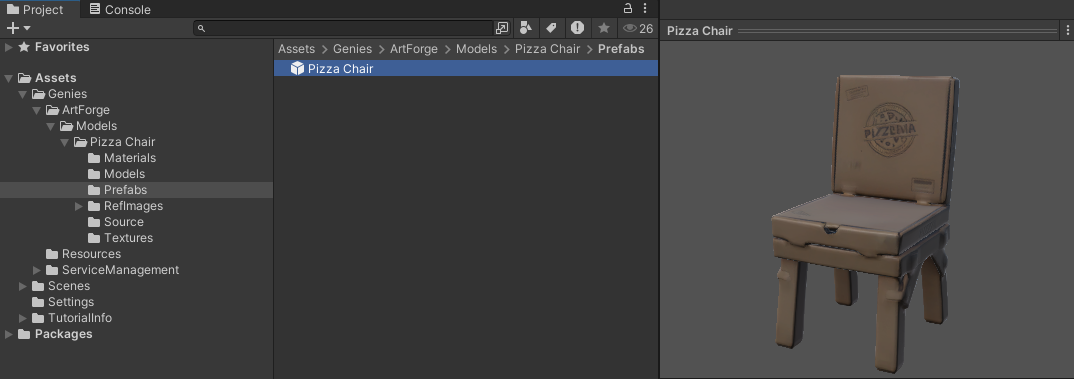
Create a Decor
This tutorial will demonstrate how to use the Genies Art Forge SDK to create a decor model with a text prompt.
Install the SDK
Follow the Getting Started tutorial to install the Genies Art Forge SDK and authenticate the backend.
Open the Genies Art Forge Window
Once installed, you can open the Genies Art Forge window by selecting from the top dropdown menu Tools > Genies > Art Forge Hub.

You can also open the Genies Art Forge window with the keyboard shortcut Ctrl + G.
Generate a Model Preview
Open the Model Generator Tab
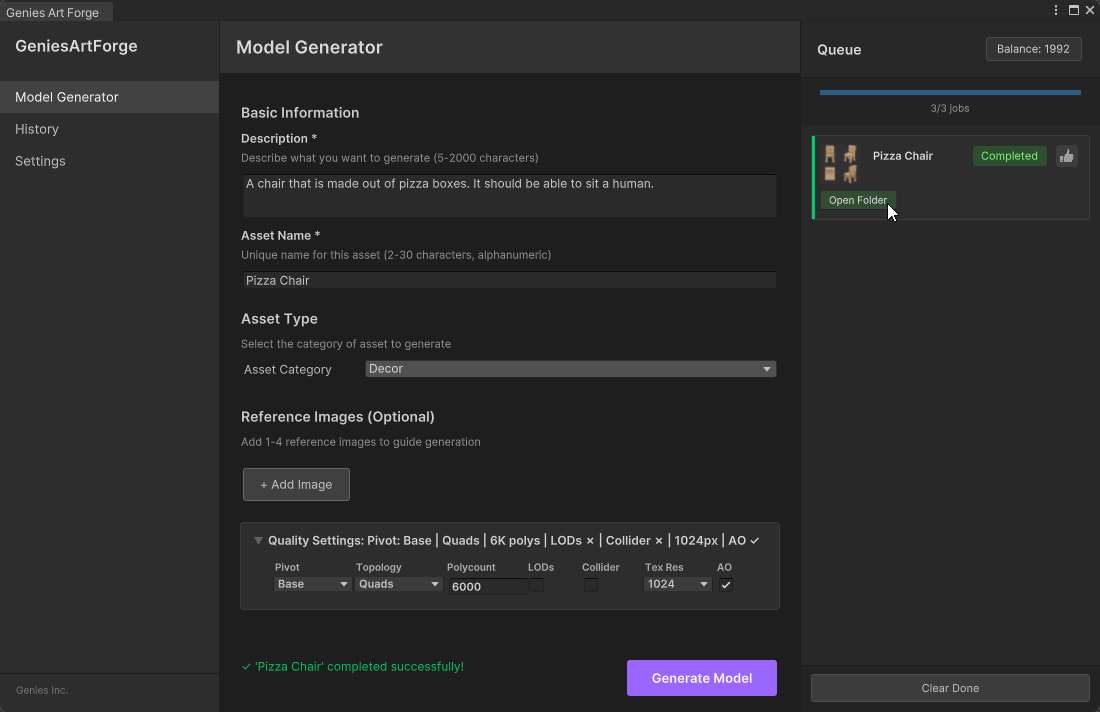
Once the Genies Art Forge window is open, make sure the Model Generator tab is selected in the left-side menu.
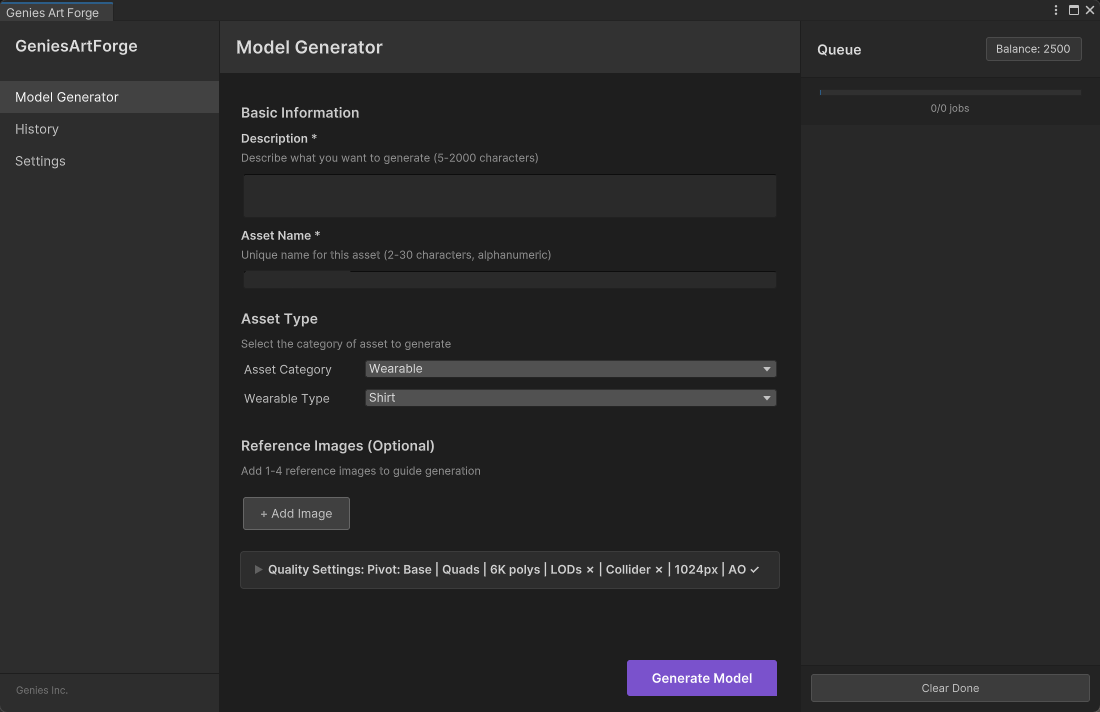
Switch Asset Category
Set the Asset Category to Decor.

Give the Asset a Name and Description
Fill in the Description and Asset Name input field to describe the model you want to make. This tutorial will be making a chair made out of pizza boxes.
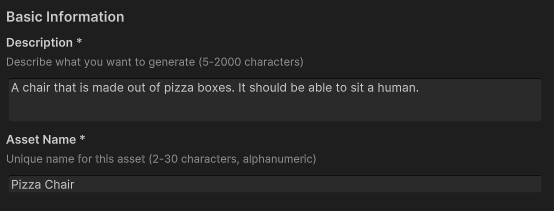
Generate the Model
Click the Generate Model purple button once you've added all the information for your decor.

Create the Model
Once the preview is generated, a window should appear displaying four different possible models. Choose the best one and click Approve.
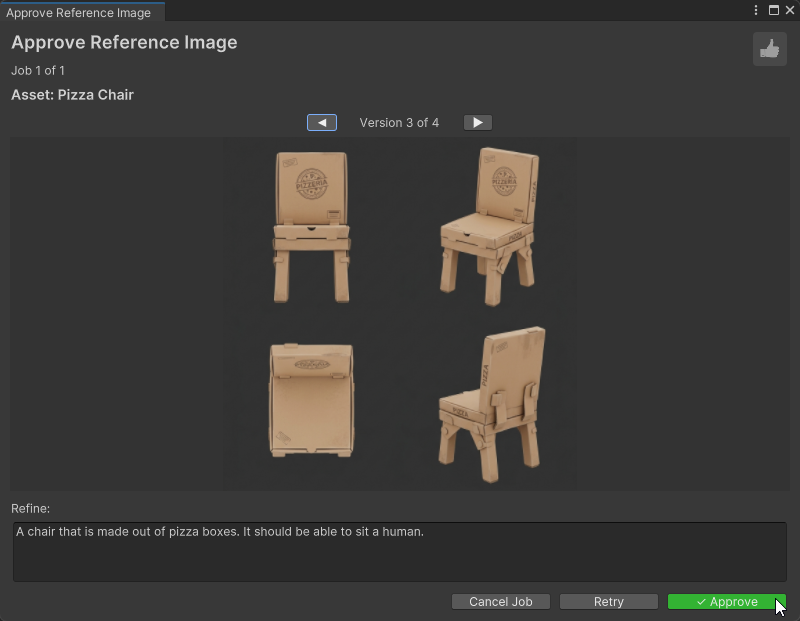
If none of the preview versions are adequate, try changing the prompt in the Refine input field and using the Retry button to generate new versions. If further versions are required, click the Cancel Job button and add a more descriptive text prompt and utilize image prompts.
Preview the Generated Model
Open the Model Folder
Once approved, it will take some time for the model to be generated. Once generated, click the Open Folder button on the right of the Genies Art Forge window.
Inspect the Model
The generated models are stored by default in the Assets > Genies > ArtForge folder. There are many assets generated such as materials, textures, and a prefab. Select the prefab asset to view the generated model in the Unity editor.